
MomentClip

For Marketers

Make every marketer a pro video editor

MomentClip turns the recordings you already have — webinars, customer calls, internal QBRs — into the social content your team has been promising.

Try it free
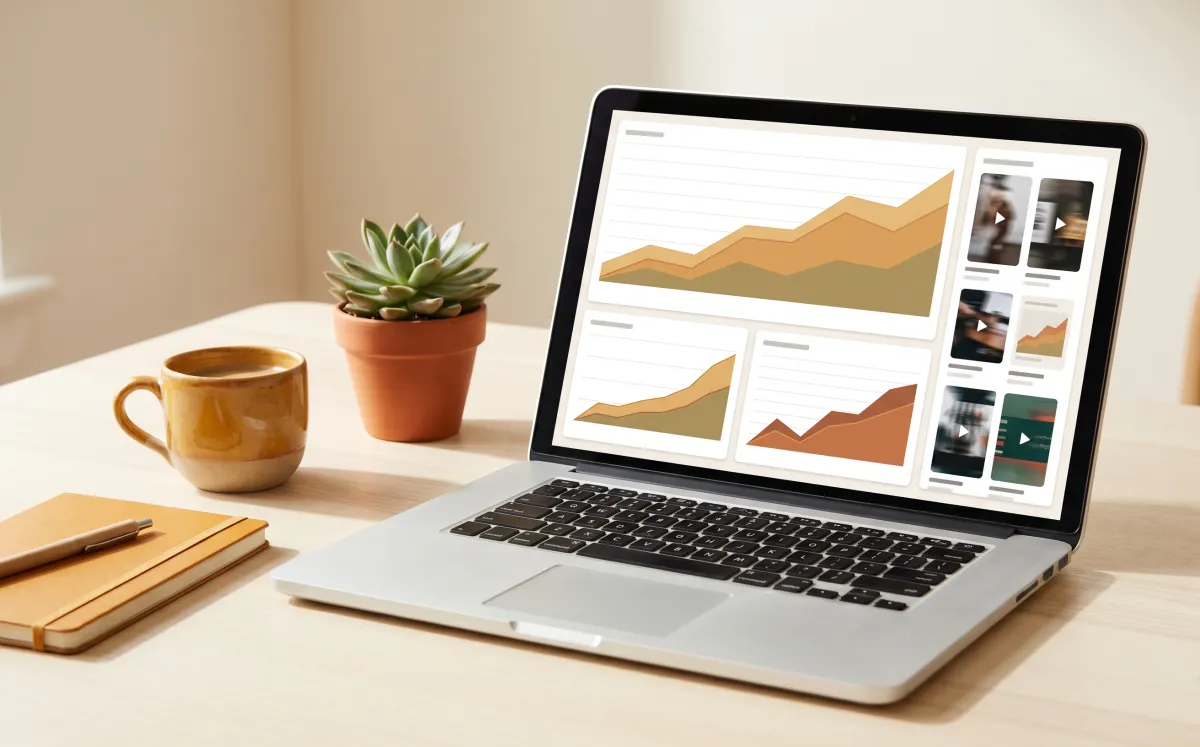
For Marketers — AI video clip extraction

Upload your video

Mode For Marketers is pre-selected. Just drop your file and hit process.

Drop video here

or click to browse · MP4, MOV, AVI, MKV · up to 2GB

Most marketing orgs are sitting on a video gold mine they can't dig. Every webinar, every customer interview, every all-hands recording has 10 social clips inside it. MomentClip is the editor that turns that backlog into a content engine — without hiring a designer or learning Premiere.

What you get

Repurpose webinars and customer calls into social content

Hook scoring shows which clips will actually perform

Multi-aspect export — LinkedIn, TikTok, X, YouTube Shorts

Tags help your team find the right asset for each campaign

How it works

1

Upload any recording

Webinar, sales call (with permission), interview, all-hands — up to 2GB.

2

AI identifies the strongest moments

Each clip scored on hook, clarity, and emotional arc.

3

Drop them into your content calendar

Vertical, square, and 16:9 — one upload, every platform.

Who uses this

B2B marketers — turn webinar gold into LinkedIn and YouTube assets
Demand-gen teams — repurpose customer testimonials into ads
Brand teams — scale founder content without scaling production
Content marketers — finally clear the recording backlog

Try it free — no signup needed

Upload a video and get your first clips in minutes.

Start clipping

10+

Clips per upload

9:16 · 1:1 · 16:9

Aspect ratios

Free

Up to 10 videos/mo

MomentClip vs. doing it the old way

The old way
MomentClip
Finding the strongest moments
Hours of scrubbing the timeline
AI scores every moment in minutes
Aspect ratios
Re-crop and re-export for each platform
One upload, 9:16 / 1:1 / 16:9 ready
Speaker labels
Tag each cut by hand
Automatic diarization per clip
Tagging and search
Spreadsheets and folder hierarchies
AI tags every clip on upload

Frequently asked questions

Does it integrate with HubSpot or Marketo?+
Native integrations are on the roadmap. Today most teams export the clip + transcript and drop them into their existing CMS or scheduling tool.
Can I use this for sales call clips?+
Yes — with appropriate consent and compliance. Many B2B teams clip customer wins from Zoom/Gong recordings for case studies and ads.
How does the hook scoring work?+
Every clip is scored 0–100 on hook strength, pacing, clarity, and emotional arc. You see each factor so you understand why a clip ranked where it did.
Can I bulk-upload past webinars?+
Yes — upload them one at a time today, with batch ingestion available on team plans.
What aspect ratios for LinkedIn?+
1:1 and 16:9 both perform on LinkedIn. 9:16 for LinkedIn video posts as Shorts compete for attention there too.

Also built for marketers-adjacent workflows