
MomentClip

For Real Estate

More leads. More listings. Through shorts.

Every walkthrough you record becomes a portfolio of vertical reels. AI picks the moments that sell.

Try it free
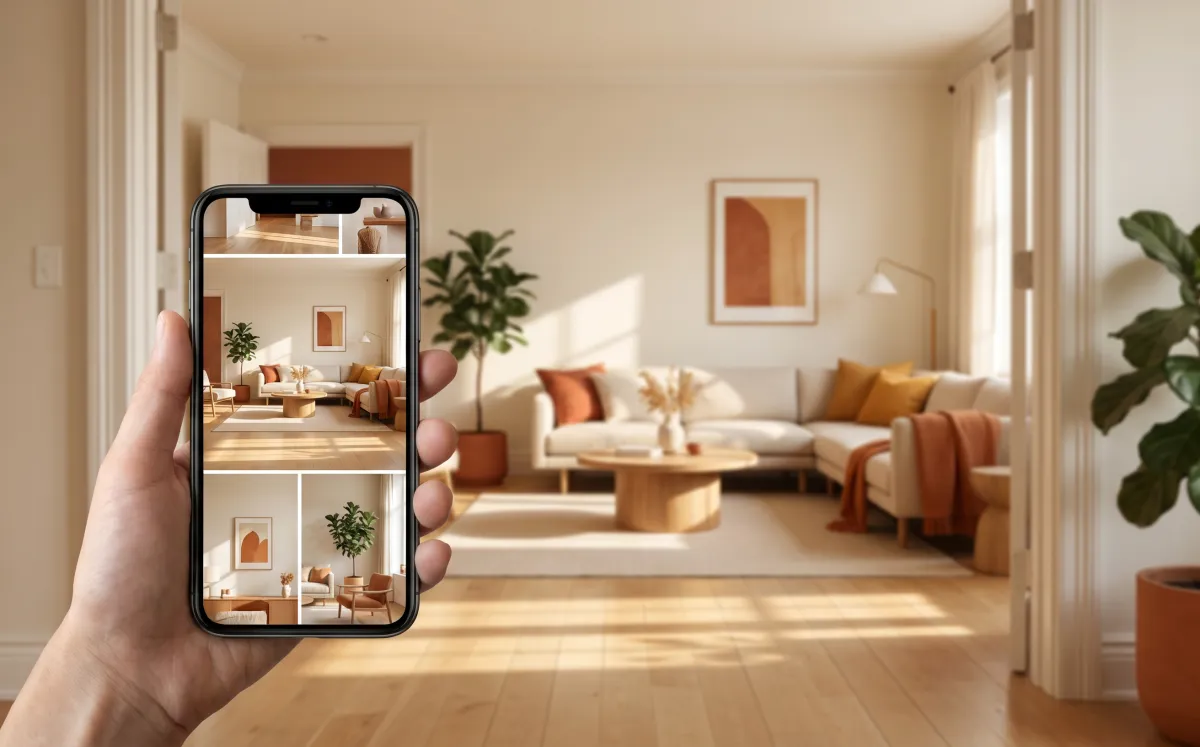
For Real Estate — AI video clip extraction

Upload your video

Mode For Real Estate is pre-selected. Just drop your file and hit process.

Drop video here

or click to browse · MP4, MOV, AVI, MKV · up to 2GB

The buyers worth chasing are scrolling, not browsing MLS. MomentClip turns your walkthroughs, open-house recordings, and listing presentations into the kind of vertical content that actually moves a phone call. The kitchen reveal, the ocean view, the pitch — clipped, framed, ready.

What you get

Auto-cut walkthroughs into 30–60 sec property reels

Detects scene changes — kitchen → bedroom → backyard

Vertical 9:16 export for Reels and TikTok

Score-ranked so the strongest reel posts first

How it works

1

Upload your walkthrough or pitch

Any phone or DSLR footage up to 2GB.

2

AI splits it into shareable scenes

Kitchen, bedroom, view, and feature reveals — each clipped on its own.

3

Post your strongest reel today

Vertical export, ready for Reels, TikTok, or your listing page.

Who uses this

Realtors building a personal brand — show, don't list
Listing agents — vertical reel for every active property
Brokerages — scale agent content production without hiring editors
Property managers — turn tour videos into rental marketing assets

Try it free — no signup needed

Upload a video and get your first clips in minutes.

Start clipping

10+

Clips per upload

9:16 · 1:1 · 16:9

Aspect ratios

Free

Up to 10 videos/mo

MomentClip vs. doing it the old way

The old way
MomentClip
Finding the strongest moments
Hours of scrubbing the timeline
AI scores every moment in minutes
Aspect ratios
Re-crop and re-export for each platform
One upload, 9:16 / 1:1 / 16:9 ready
Speaker labels
Tag each cut by hand
Automatic diarization per clip
Tagging and search
Spreadsheets and folder hierarchies
AI tags every clip on upload

Frequently asked questions

Can I use footage from my phone?+
Yes — iPhone, Android, DSLR, drone, anything that exports a standard video file. MP4, MOV, MKV up to 2GB.
How long should my walkthrough be?+
3–15 minutes works best. Long enough to capture every room, short enough that the AI can rank a good shortlist.
Does the AI detect different rooms?+
Yes — scene-change detection identifies room transitions and feature reveals so each clip is a self-contained scene.
Can I add my logo or branding?+
Branding overlays are on the roadmap. Today you get clean, unbranded exports you can post or pass to your existing editor for branding.
What if the walkthrough has no narration?+
Travel mode works for silent or ambient footage — uses audio energy and scene boundaries instead of speech.

Also built for real estate-adjacent workflows